
 Electrical preheating
 EV charging solutions
 Lighting
 Chargers and Inverters
 Security & Tracking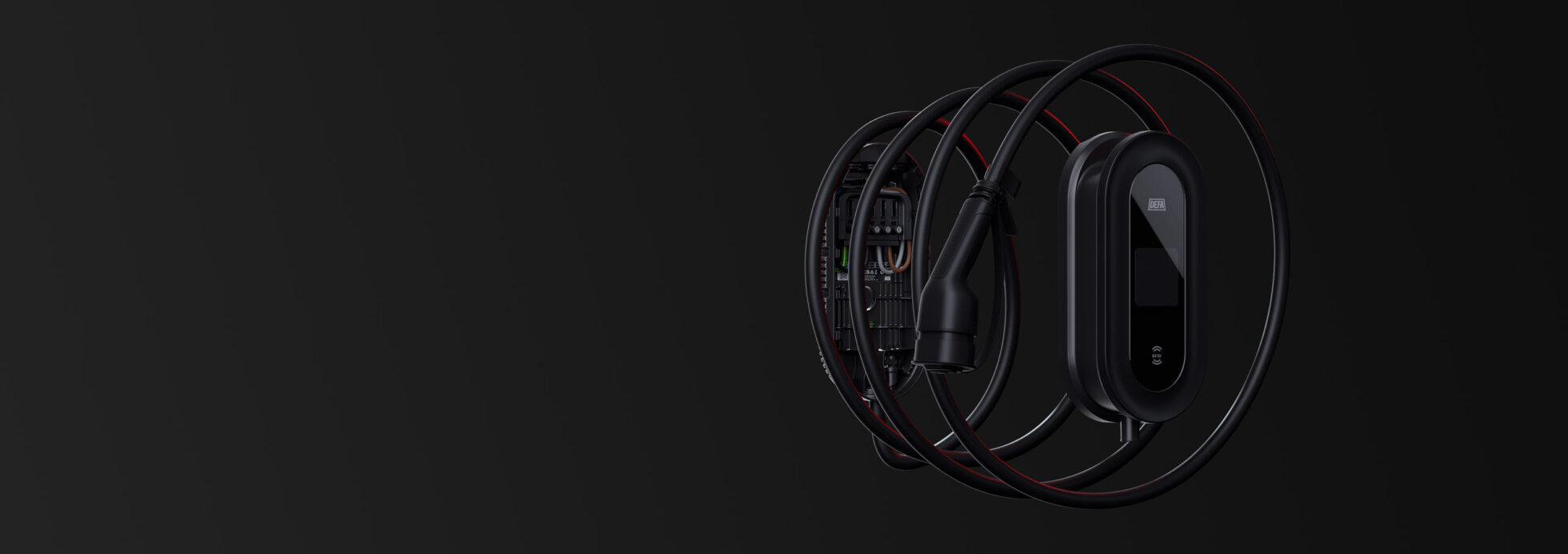
Support: Operator & Other
DEFA Power
Support Articles:
Frequently Asked Questions:
Operators use DEFA Support Console as their primary interface for monitoring and managing charging installations.
Other DEFA apps are intended for different user groups:
- DEFA Power app – for end users whose chargers are not connected to another backend, CSMS, or operator platform.
- DEFA Power Setup app – for installers setting up and commissioning DEFA Power installations.
You can’t do this entirely on your own; you’ll need to contact your backend provider. Send them the logo, and they’ll take care of everything for you.
DEFA Power – for single, ready-to-use installations.
DEFA Power S – for smart charging systems and more advanced setups.
DEFA Power S is essentially the same as DEFA Power, but with two key additions that make it more suitable for system-based installations:
Integrated 4G connectivity – perfect for cloud-based monitoring and load balancing across units.
Built in fuse inside the backplate – saves time and reduces external component mounting.
It depends on your backend and how your system is set up. If you need assistance, please contact DEFA Support.
In the DEFA Power app: Charger->Settings->Advanced->Restart charger. You can also use the breaker in your electrical cabinet.
DEFA Power comes with OCPP.2.0.1. Learn more here: How DEFA Power is prepared for OCPP 2.0.1 and V2G.
You don’t need to do anything. Updates are automatically deployed by DEFA. If you need to force an update, please contact DEFA Support.
Need more help? Please contact your installer or reseller for support.
For Facility Owners:


