
 Electrical preheating
 EV charging solutions
 Lighting
 Chargers and Inverters
 Security & Tracking
DEFA Power™ – Marketing materials
Graphics to partners
Product branding of DEFA Power
Technical documentation
Pictures and other graphic materials for downloading:
Pictures
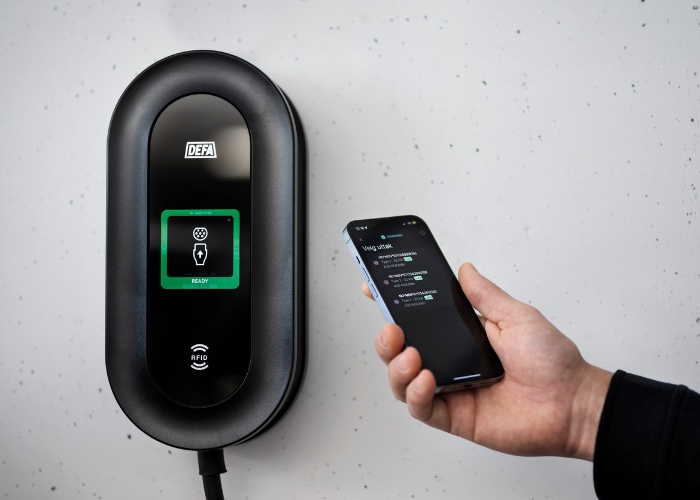
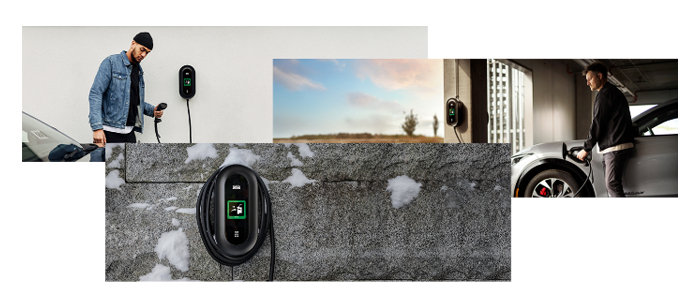
Here you will find product pictures, renderings, and also pictures of the product in use.
Download images of DEFA Power in use
Download images of DEFA Power in facility
Download images of DEFA Power installation
Download renderings of DEFA Power
Download renderings of DEFA Power S
Download App icon and screen shots
Download DEFA Power Photo Guide
– Simple tips to make sure your photos highlight the design and features of the charger in the best way!
Logo
Download all the logos for DEFA and also the logos for the different products in the DEFA Power family.
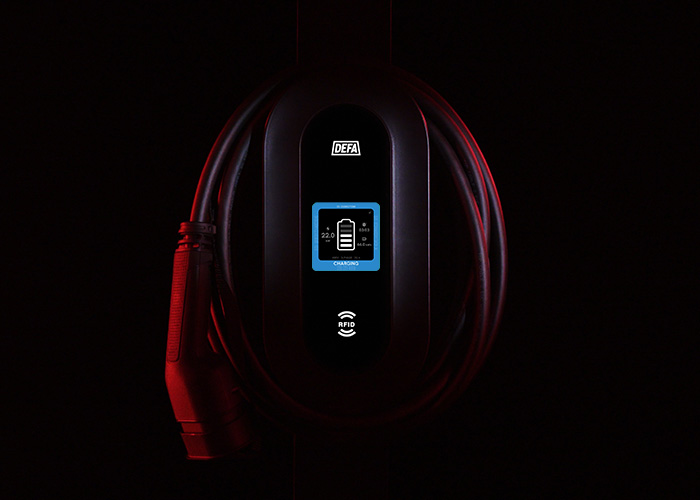
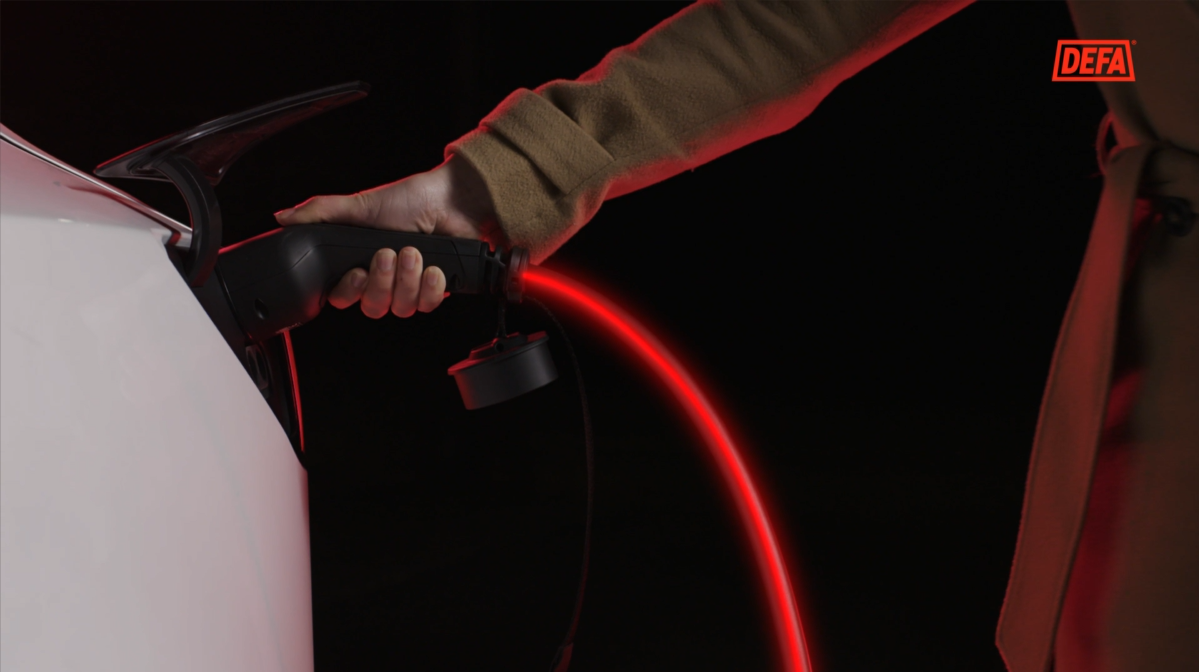
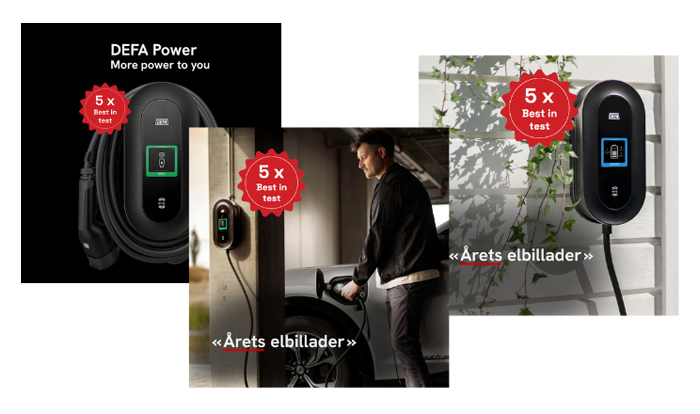
SoMe:
Branding guide
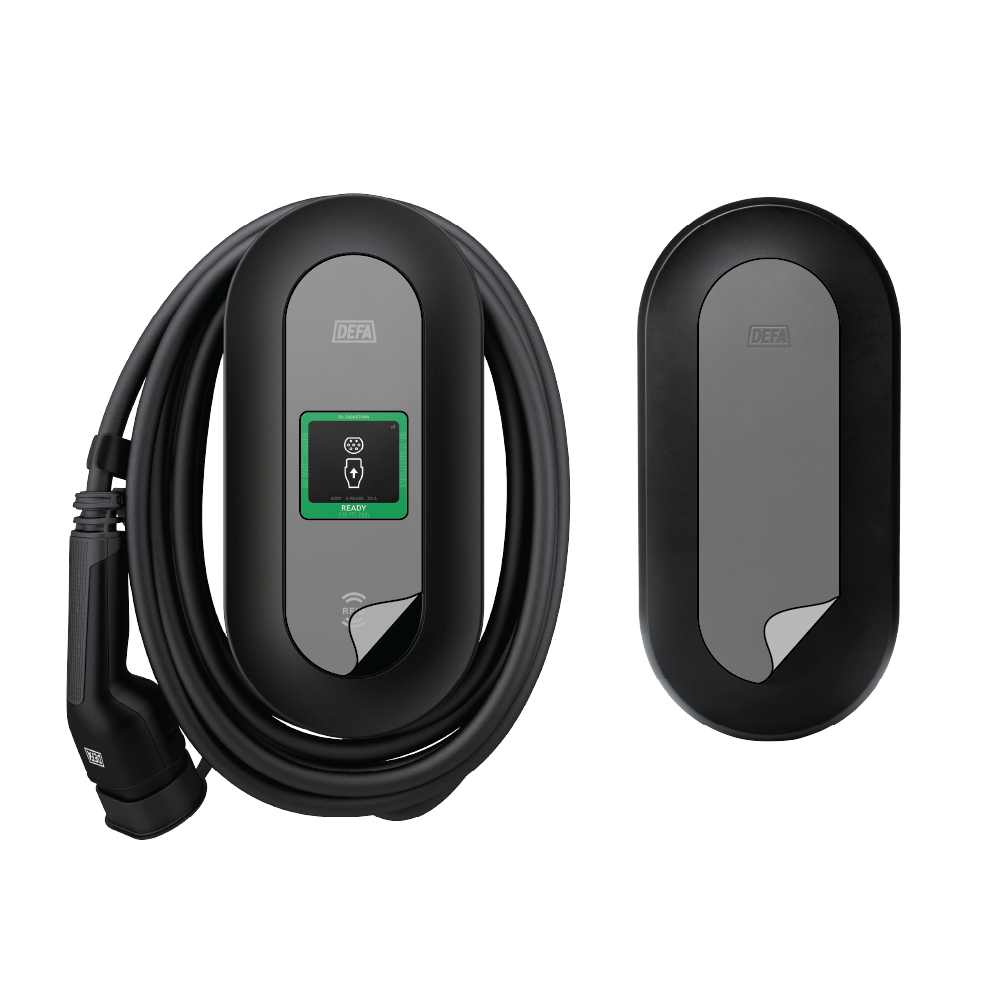
Guidelines for branding of screen and protective cover.
We have made a simple guide on how to add branding to the charger and the protective cover. The download file includes a cutting guide and exact measurements.
Download guidelines and cutting guide
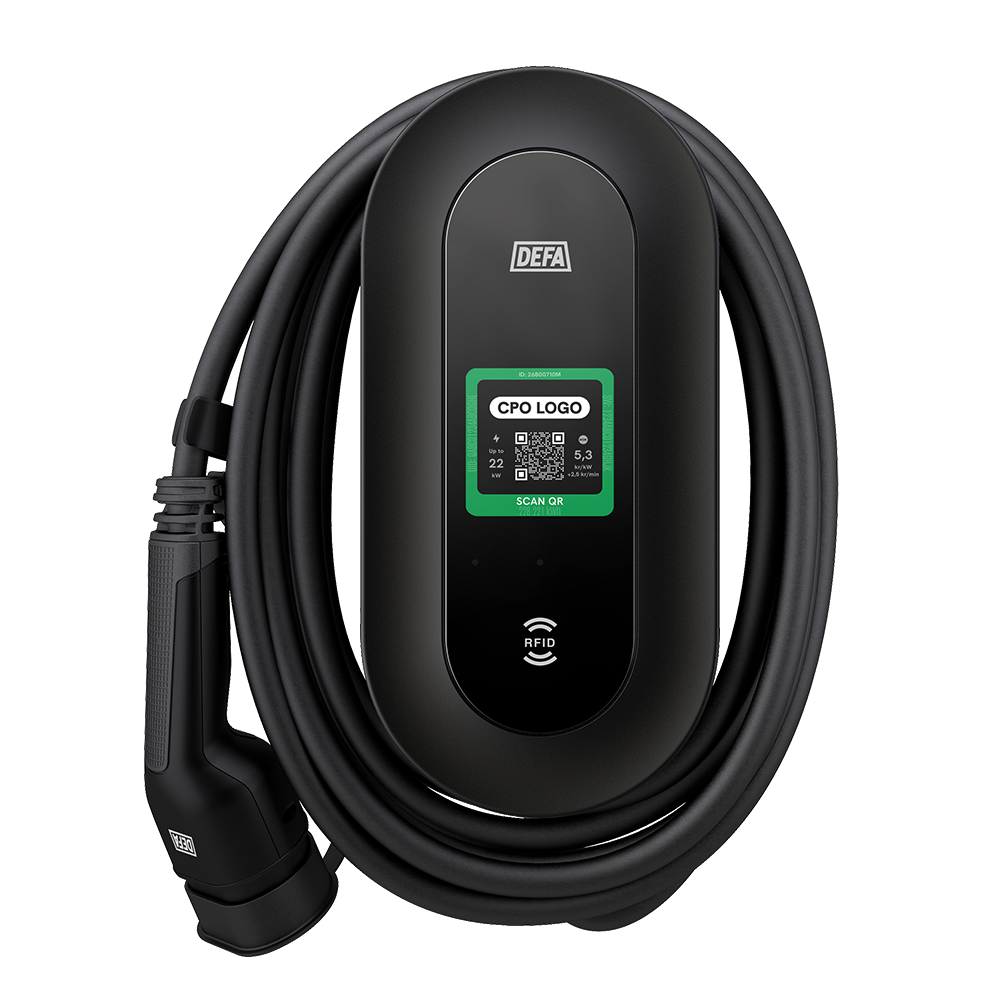
Do you want your own logo on the display?
There are two options for how to get your own logo in the graphics:
- You can push the logo in the actual charging station through backend and take a photo of it.
- You can edit the display in the graphic with your own logo.
Please contact us if you need assistance!
Technical documentation
You will find technical documentation in our support pages:


