
 Electrical preheating
 EV charging solutions
 Lighting
 Chargers and Inverters
 Security & Tracking
Cloud-Based Control with OCPP 2.0.1
DEFA Power supports full remote control through the standardized OCPP 2.0.1 (Open Charge Point Protocol), enabling integration with backend systems and CSMS (Charging Station Management Systems) in accordance with §14a EnWG.
If your grid operator provides §14a-compliant control signals through a backend, you can connect DEFA Power directly to your grid operator backend using OCPP 2.0.1.
You will find a list of Supported backends here
Want to use another backend?
If you’re using a backend that supports OCPP 2.0.1 but isn’t listed above, we’d love to hear from you.
📩 Contact us at [email protected] — we’re happy to integrate your preferred backend.
How to select an Operator:
1
Download the DEFA Power setup app
Download the DEFA Power setup app in app store or Google play store.
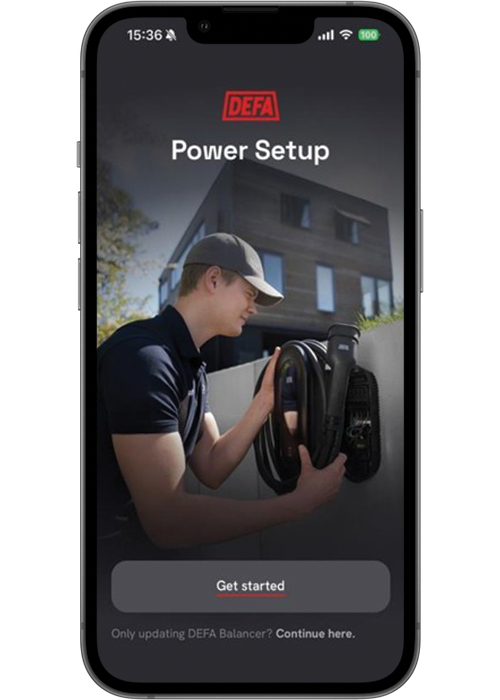
2
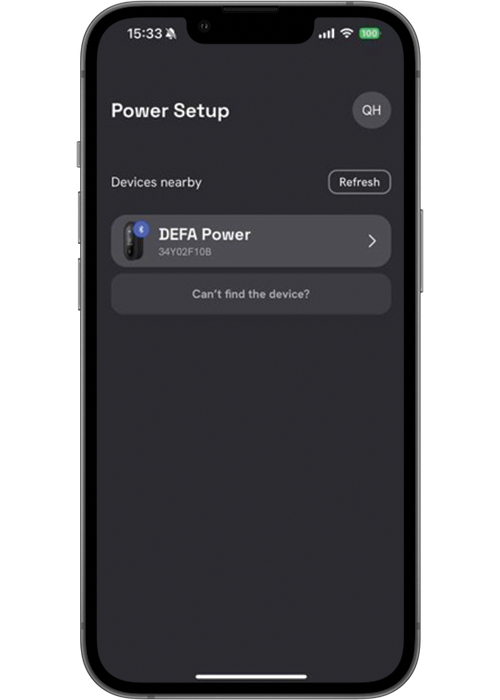
Connect to the charging station
Connect to the charging station using Bluetooth and DEFA Power setup. Select the your device when presentend in the list of “devices nearby”
3
Hand over installation
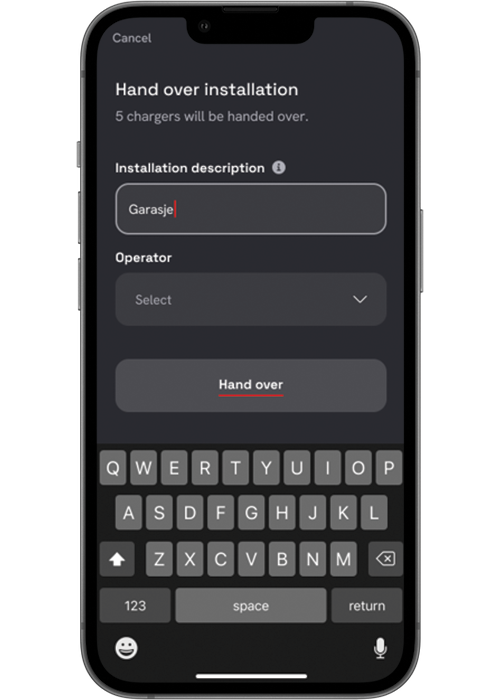
Scroll down to the handover step in the DEFA Power setup app and select “Hand over”

4
Select operator
Add a description for the installation and select your operator/backend from the dropdown list.
Go to this page to find backends that are supported to control DEFA Power via OCPP2.0.1


